The app
The Bergmann, in your pocket
Install the free app on your iPhone or Android phone: book in one tap, find your stays and contact the hotel, even when the connection is weak.
- Free
- iPhone & Android
- No store
- Ultra light
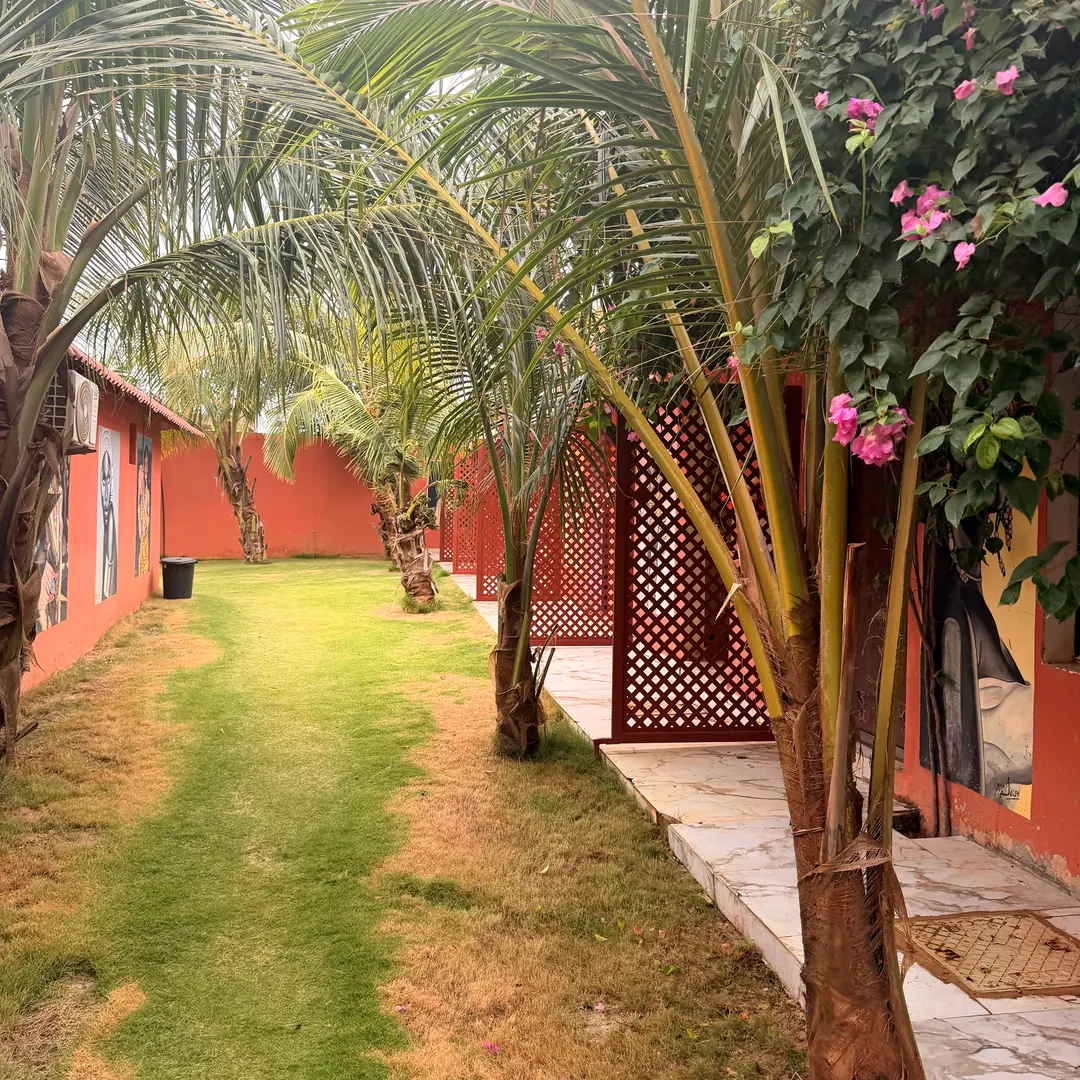
Ourossogui · Senegal
In the heart of the Fouta
Check-in
Sat 12 Dec
Check-out
Mon 14 Dec
Why install it
Express booking
Your dates, your room and confirmation in a few taps.
Your stays at hand
References, details and cancellation of your bookings, at any time.
Even offline
Pages you have already viewed remain available when the network is weak.
Full screen, no store
An icon on your home screen and automatic updates.
Installation
iPhone and iPad
- 1Open bergmannhotel.eu in Safari, then tap the Share button (at the bottom of the screen on iPhone, at the top on iPad).
- 2Scroll down and choose Add to Home Screen.
- 3Tap Add: the Bergmann icon appears on your home screen, like an app.
Android
- 1Open bergmannhotel.eu in Chrome and tap Install app on this site, or the menu at the top right.
- 2Choose Install app (or « Add to Home screen »).
- 3Confirm: the Bergmann app opens full screen from your home screen.
From a computer
Scan this code with your phone’s camera: the installation page opens directly.
Questions
Do I need the App Store or Google Play?
No. The app installs directly from our website, free of charge, in a few seconds. It then updates itself.
What can I do with the app?
Book a room or a seminar room, view and cancel your bookings, manage your account, call us or message us on WhatsApp.
Does it work without an internet connection?
Pages you have already opened remain available offline. A connection is still needed to book or change a booking.
How much space does it take on my phone?
Very little: there is nothing heavy to download. It uses your browser’s engine and only keeps the pages you have viewed.
How do I remove it?
Like any app: long-press the Bergmann icon, then « Remove App » on iPhone or « Uninstall » on Android.